What an AI Assistant Can Do With Your Servers Through Depfloy

Depfloy ships an MCP server. Connect Claude, or any MCP client, and it can deploy a project, roll it back, read the build log, edit environment variables and run a backup — on servers you rent yourself, inside the permissions your own account already has.
It is available from the Pro plan. Starter does not include it.
What it can do
Deployments. Start a deploy, cancel one that is running, roll back to a previous release, and read the build log of any of them. Rollback is a symlink flip, so it takes about as long as asking for it.
Environment variables. Read them and change them, without opening the Console.
Maintenance mode. Put a project behind your holding page and take it back off.
Backups. Run one on demand, and list what has already been taken.
Restarts. Restart a service, restart a background worker, or reboot a server.
Servers and projects. Create either one, and read the state of what exists — which framework, which branch, which server, when it last deployed.
Laravel plugins. Install Horizon, Octane, Reverb or Nightwatch on a Laravel project. Horizon is the useful one to know about here: getting Laravel queues running and supervised is normally a supervisor config and a service file, and this is one sentence instead.
Two of them are prompts
Alongside the tools, two capabilities are prompts. The difference matters in practice: a tool is something the assistant decides to call, a prompt is something you ask for by name.
deploy_and_follow— deploy a project and stay with it until it finishes, rather than starting it and reporting back that it started.diagnose_deployment— work out why a deployment failed.
Connecting it
Point your MCP client at Depfloy and approve it once in the browser. There is no API key to paste into a config file and no separate account to create for the assistant.
Every connection can be taken back. Settings → MCP lists everything that can act as you — the assistants you approved and the API tokens you created — and cuts any of them off. Revoking an assistant closes the connection immediately; a revoked client has to go through approval again.
It acts as you, not as itself
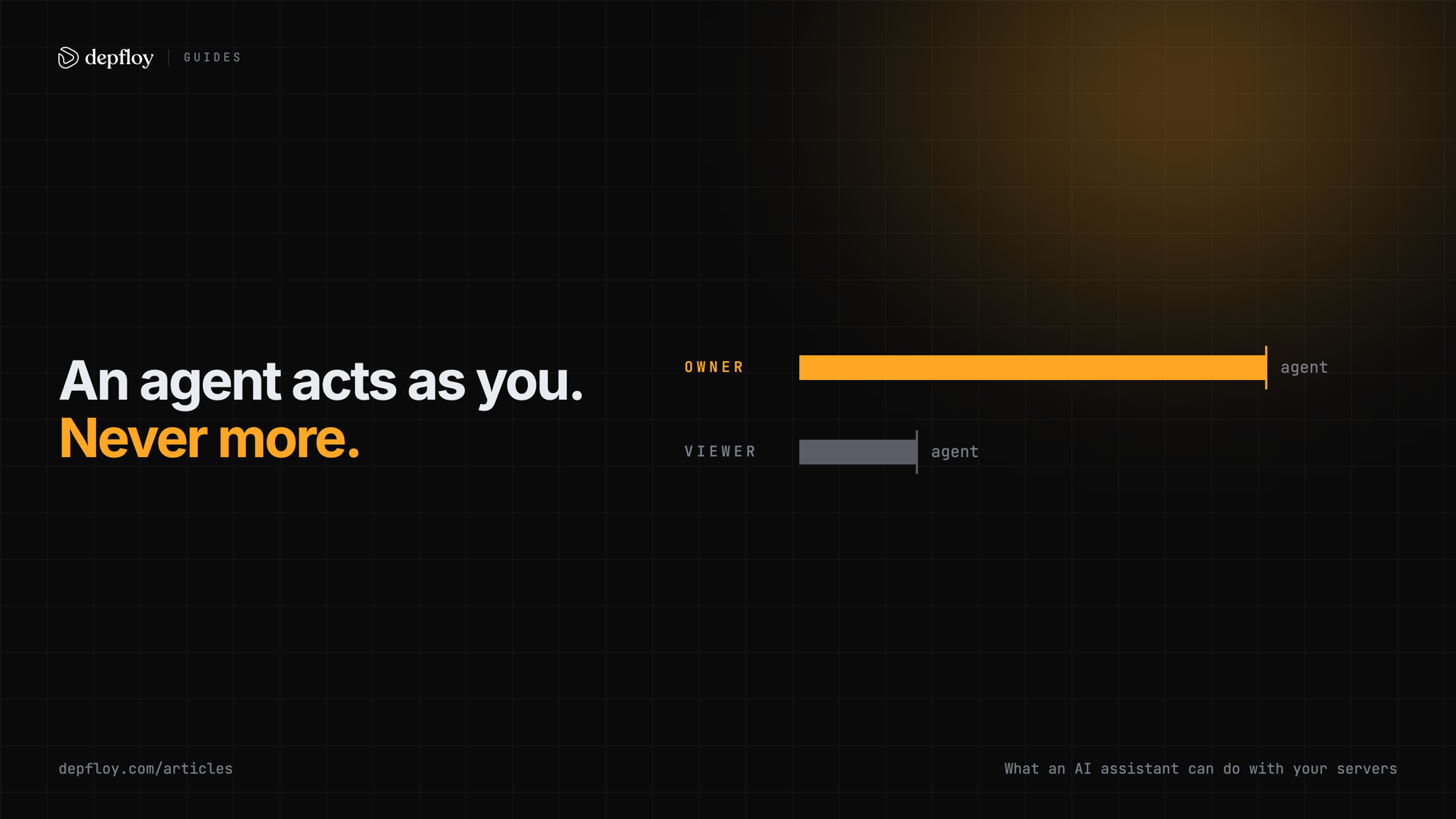
Depfloy has five team roles. An Owner can do everything; a Viewer can look at everything and change nothing; Admin, Manager and Developer sit in between. Members can also be scoped to specific servers and projects.
An assistant connected over MCP inherits whichever of those you have. It gets no role of its own and no elevated token.
So an assistant connected to a Viewer’s account can read your servers and deploy nothing, because that account cannot deploy either. Connect it as yourself and it can do what you can do — and that is the ceiling. There is no separate agent permission model that could put it above you.
The longer version, including what happens when an assistant reads a log that contains instructions, is on the AI and agents page.
What it cannot do
Two limits are worth knowing before you plan around them.
It cannot restore a backup. Running a backup and listing what exists are both available; restoring one is a Console operation.
It cannot change how a project is built. Which framework a project uses, and how it is built, stay in the Console. An assistant can create a project and deploy it, but changing the way an existing one builds is not something it can do.
The same operations, three ways
MCP is one of three ways in, and the plans differ:
| Surface | Plan |
|---|---|
| REST API | Every plan, including Starter |
| Go CLI | Every plan, including Starter |
| MCP server | Pro and up |
All three run against the same permissions as the Console.
Try it
The MCP server is on the Pro plan, and the 7-day trial is the full product with no credit card, so it is testable before you decide. Setup steps are in the MCP documentation, and what an assistant may and may not do is on the AI and agents page.