How to Deploy Next.js with Zero-Downtime on Your Server

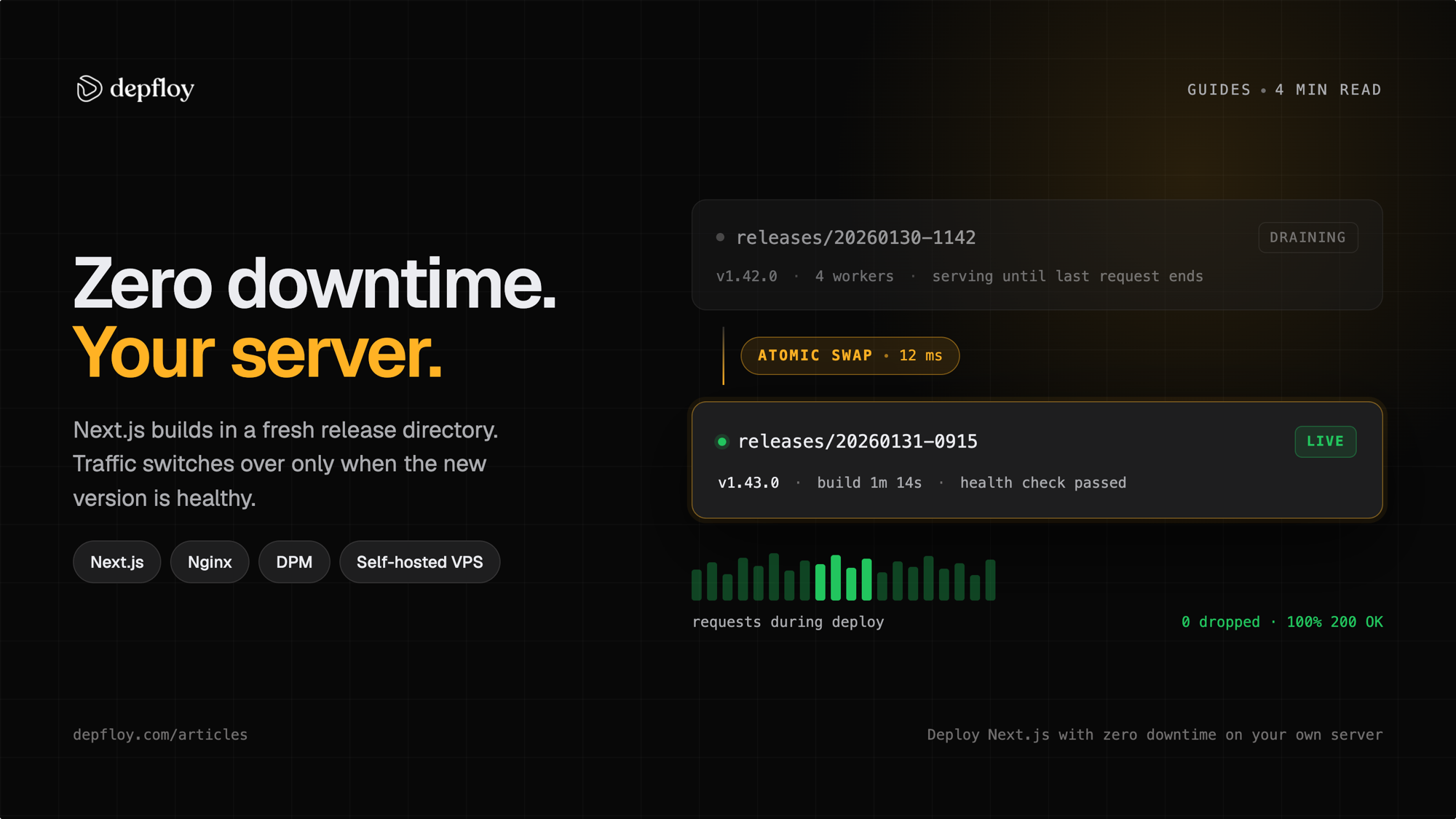
“Zero-downtime” is easy to claim and specific to implement. A Node app is a long-running process holding a port, so replacing it means two processes exist at once and something has to decide when to move traffic — and, more importantly, when to move it back.
This is what that sequence looks like on a single VPS running Next.js under Depfloy, including the parts that only matter when something goes wrong.
The switch, step by step
- The new commit is built into a new release directory beside the running one. Nothing in
current/is touched. - The new Node process starts on a standby port. The old one is still serving on its own port, and nginx still points at the old one.
- The new process has to answer a health check before anything else happens.
- Then it is soaked for 60 seconds, probed every 5 seconds. Every probe has to come back under HTTP 500.
- Only then does nginx switch its upstream to the new port.
- The old worker is drained — it finishes the requests it already has, then stops.
Steps 4 and 5 are the ones worth arguing about, so here is why they are in that order.
Why the soak exists
A health check that passes three times in a row proves the process opened a port. It does not prove the process will still be there in a minute. The failures it misses are the ordinary ones: an uncaught promise rejection after bootstrap, a Node process the kernel OOM-kills once real work starts, an exit triggered by the first request that touches a missing environment variable.
We know the shape of it because it happened. In May 2026 a Node worker came up, answered requests for 26 seconds, then went silent with nothing in stderr. The old worker had already been drained by then, so nginx was pointing at a dead port — and the site returned 502 for the roughly three minutes the process manager took to restart it.
The soak is what turns that into a non-event. If any probe inside the 60-second window fails, nginx is pointed back at the old port, the port assignment is reverted, and the drain never runs — so the old worker is still there, still holding its connections, still serving the version that was working.
What your visitors see when it goes wrong
| Where it fails | What is serving your site |
|---|---|
| The build fails | The previous release. The symlink is never moved, and the deployment is marked failed. |
| The new process never answers | The old worker. nginx was never switched. |
| The new process answers, then dies inside the 60-second soak | The old worker. nginx is reverted and the drain is skipped. |
| The new process dies after the soak, once traffic has moved | Nothing, until the process manager restarts it. There is no configured retry interval, so how long that takes is not a number we can promise — the one time it was measured it was about three minutes. |
| You cancel the deploy while it is building | The previous release. The half-finished release directory is deleted. |
The fourth row is the honest limit. A 60-second soak buys you a great deal against startup crashes and nothing at all against a process that survives an hour and then falls over. That case is what memory ceilings, monitoring and rollback are for — not the deploy sequence.
Rollback depends on the runtime and retained release
PHP-FPM projects can reuse a target release that is still on disk. Node.js, Octane and targets missing from disk use a normal deployment at the selected commit. Rollback does not reverse database migrations.
Depfloy keeps five recent releases on disk. Reusing a retained PHP-FPM release skips the build, but shared environment configuration and database state still need to be compatible with the selected code.
Either way, rollback creates a new deployment against the older commit rather than rewriting history, so what you rolled back from stays in the log.
Setting it up
The Next.js deploy page has the full configuration; the short version:
- Connect a server. Ubuntu 26.04, 24.04 or 22.04, reachable over SSH. Node, nginx and the process manager are installed during provisioning.
- Add the project. Repository, branch, domain. The framework is detected and the build steps are filled in —
npm ci, thennpm run build. - Add environment variables. They are written to the server before the build runs, so anything Next.js reads at compile time is already there.
- Deploy, and enable the webhook so pushes to your branch deploy themselves.
Two things that catch people out on a self-hosted Next.js project specifically:
- The port rotates. Blue/green means the app’s port changes on every deploy. If you write a custom nginx config that references the project, use the upstream alias rather than a port number, or the config that worked when you saved it starts returning 502 after the next deploy. Nginx Configuration has the alias pattern.
- The build wants memory. A Next.js install-and-build wants roughly 2 GB of RAM. On a small server hosting several Node projects, deploys that arrive together are the thing most likely to take the machine down — deploys run as they arrive unless you cap them, and the cap is per server. Concurrent Deploys covers sizing it.
Is your own server cheaper than Vercel?
It depends on your traffic, and anyone who answers otherwise is guessing. Compare the Depfloy subscription plus provider capacity, storage and bandwidth charges with your current platform bill. Price both against your own numbers rather than against a blog post — the comparison page lays out which side wins on which dimension, including the ones we lose.
What you give up is the edge network and the assumption that capacity is someone else’s problem. What you get back is a machine you can SSH into, a flat Depfloy subscription plus your provider charges, and a deploy sequence you can read end to end — which is the whole of what this page described.
Zero-downtime releases on a server you own. No credit card required.
Start your free 7-day trial