What Depfloy Is, and What Happens on Your First Deploy

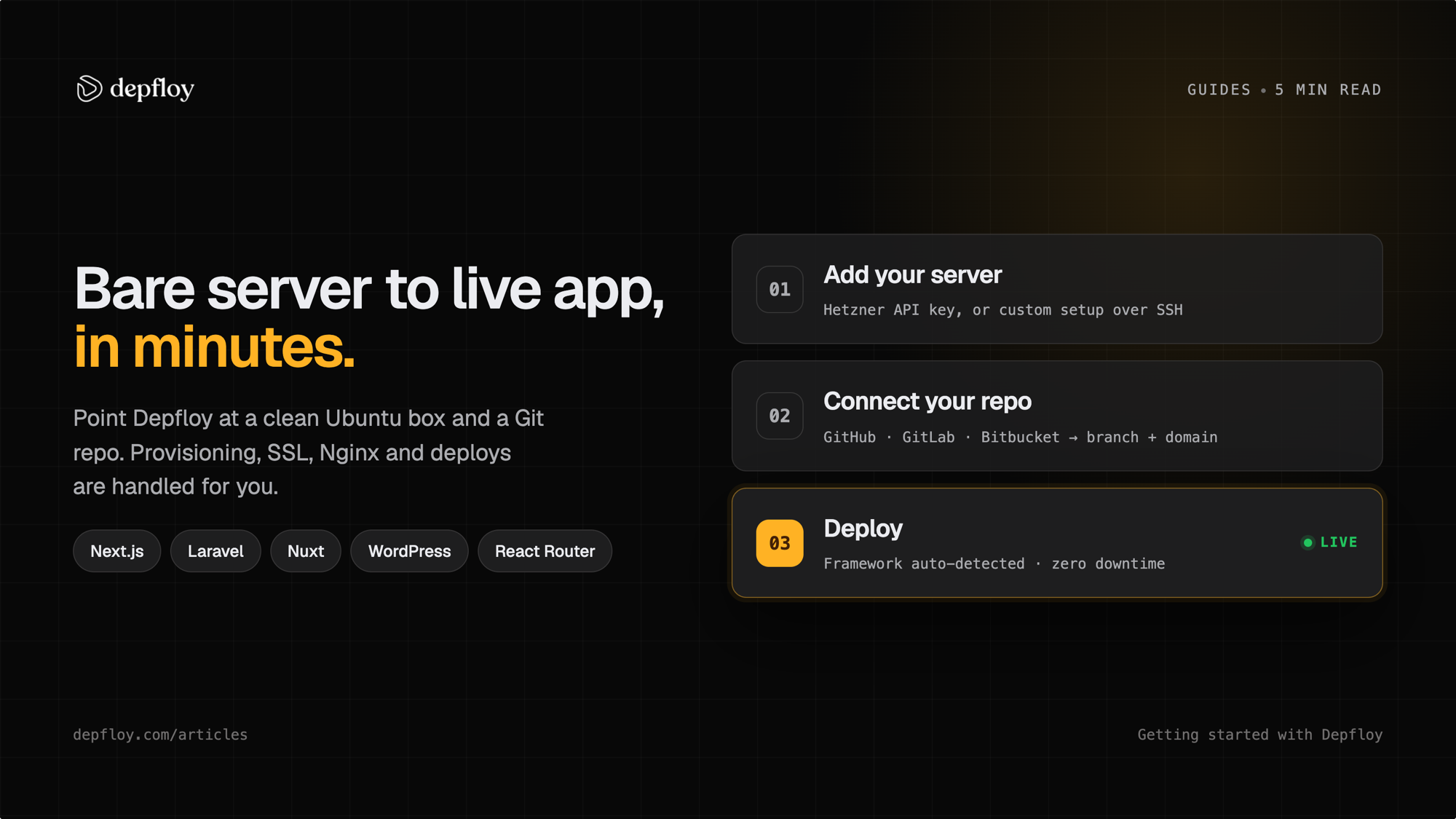
Depfloy is a server management and deployment platform for applications that run on servers you own. You connect a VPS over SSH — from any provider — and Depfloy provisions it, then deploys your apps as zero-downtime releases and manages the databases, caches, search, load balancers, backups, SSL and firewalls around them.
It is not a host. Your code and your traffic never touch our machines: you rent the server, you keep root on it, and your provider bills you for it separately. That also means the first ten minutes are not “sign up and push” — they are “connect a machine”.
This is the reference version of the setup: what is supported, what it costs, and what actually runs on the server the first time you deploy. Everything below was checked against the product on 3 August 2026, and the server-provider parts again on 16 August 2026.
What Depfloy supports
| Frameworks (10) | Laravel, Next.js, Nuxt, Astro, Remix, React Router, WordPress, Symfony, Statamic, plain PHP |
| Data services (6) | PostgreSQL 18, 17 or 16 · MySQL 8 · Redis 8.4 · Valkey 8.1 or 8.0 · ClickHouse · Meilisearch 1.11, 1.10 or 1.9 |
| PHP versions | 7.0 through 8.4, pinned per project |
| Operating systems | Ubuntu 26.04, 24.04, 22.04 |
| Server roles (5) | application, database, cache, Meilisearch, load balancer |
| Git providers | GitHub, GitLab, Bitbucket |
| Server providers | Hetzner, AWS and DigitalOcean through their APIs; any other machine over SSH |
| Backup sources | the six engines above, plus project files |
| Backup destinations | S3, Cloudflare R2, any S3-compatible endpoint, SFTP, FTP, or the server’s own disk |
| Team roles (5) | Owner, Admin, Manager, Developer, Viewer — each scopeable to specific servers and projects |
| Automation | an MCP server with more than forty tools, a CLI, and a REST API |
Every framework in that list has a page with its own build steps and runtime — Next.js, Laravel, WordPress and the rest are under /deploy — and every engine has one under /services.
What it does not do
- MongoDB is not provisioned. The codebase recognises it, but it cannot be installed on a server and there is no backup adapter for it.
- MariaDB is not provisioned either — but it is backed up. A MariaDB server that already exists can be backed up and restored through the MySQL adapter. A new one cannot be installed.
- Ubuntu 20.04 is no longer offered when you create a server. Machines already connected on 20.04 keep working.
- The OS list is Ubuntu only. Debian is not offered, and neither is Windows.
- No containers. Depfloy configures the machine itself — nginx, PHP-FPM, Node processes, systemd units — which is why you keep root and why what you find over SSH is a normal Ubuntu server.
- One machine is one machine. There is no edge network and no autoscaling. Depfloy automates the operations; it does not add capacity you did not rent.
What it costs
Three plans, in USD, flat. Nothing is metered — not bandwidth, not build minutes, not deploys, not seats. The server bill comes from your provider and is not ours to quote.
| Plan | Monthly | Yearly | What it adds |
|---|---|---|---|
| Starter | $5 | $50 | One server, unlimited projects, unlimited deploys |
| Pro | $19 | $199 | Unlimited servers, scheduled backups and restore, the MCP server |
| Business | $39 | $399 | Team members, server monitoring, moving a project to another server, PgBouncer connection pooling, database replication and migration, priority support |
There is no free plan. There is a 7-day trial that does not ask for a card, and the trial carries every plan feature rather than the cheapest one — you can schedule a backup or connect an MCP client during it, and the access ends when the trial does.
Paying yearly saves $10 on Starter, $29 on Pro and $69 on Business. Those are three different percentages, so the dollar figure is the one worth quoting.
Everything outside that table runs on every plan, Starter included: push-to-deploy, zero-downtime releases, rollback, SSL certificates, firewall rules, provisioning databases and caches, cron jobs and queue workers, and a per-server ceiling on how many deploys run at once. The current pricing page is the authority if you are reading this later than August 2026.
What the server needs
- A clean Ubuntu 26.04, 24.04 or 22.04 install
- At least 1 CPU core, 1 GB RAM and 10 GB free disk
- Reachable over SSH from the internet, with root SSH allowed — Depfloy disables password-based root login during provisioning
curlpresent, and nothing throttling SSH from Depfloy at the network or firewall level
Those numbers are what the platform needs to run. Your build will want more: a Next.js, Nuxt or React Router install-and-compile wants roughly 2 GB of RAM, so a 1 GB machine provisions cleanly and then fails on heap allocation the first time you deploy. The full list is in Initialize Server.
Connecting the first server
There are two routes in. Connect a Hetzner Cloud project, an AWS account or a DigitalOcean token and Depfloy orders the machine, attaches its SSH key and starts the install without you opening the provider’s own console. For anything else — Vultr, Linode, OVH, a box already sitting in a rack — Custom Setup gives you a one-line bootstrap command to paste into a root SSH session. That install typically takes 10 to 15 minutes, and Depfloy picks the server up when it finishes.
On AWS the order is four decisions: a region, a VPC subnet inside it, an instance type, and the root volume — 30 GB gp3 by default, 20 GB the floor, with gp2 and io2 available. Elastic IP is on unless you turn it off, which is what keeps the public address stable across a stop and start. There is no AMI field: Depfloy resolves the Ubuntu image from the release you picked and the instance type’s architecture, so x86 and Graviton both work without you looking one up. Instance types are listed with their monthly on-demand price from the AWS Pricing API — the EBS volume and the public IPv4 address are billed on top of that figure, not inside it. One measured run, a t3.small in eu-central-1 on Ubuntu 24.04 with a 30 GB gp3 volume and an Elastic IP, was provisioned about eight minutes after the order; that is a single machine in a single region rather than a number to plan against.
Deleting the server from Depfloy releases what it created on AWS: the instance, the key pair, the security group and the Elastic IP.
On DigitalOcean the order is shorter: a region, a droplet size, and two switches. Sizes carry the monthly price DigitalOcean publishes for them, and that price is the same in every region, so where you put the droplet is a latency decision rather than a billing one. Basic, Premium, General Purpose, CPU-Optimized and Memory-Optimized are listed; Storage-Optimized and GPU droplets are not. A VPC is optional — leave it and the droplet joins the region’s default network. The Cloud Firewall switch is on by default and opens 22, 80 and 443 inbound with all outbound allowed, sitting in front of the UFW rules the install writes rather than replacing them. The Reserved IP switch is off by default, and the reason is worth knowing before you flip it: a droplet keeps its own IPv4 address for as long as the droplet exists, so a reserved IP buys the ability to move that address to a different droplet later, and costs by the hour whenever it is not attached to one. Deleting the server releases all four things Depfloy made — the reserved IP first, while the droplet still holds it, then the droplet, the firewall and the SSH key.
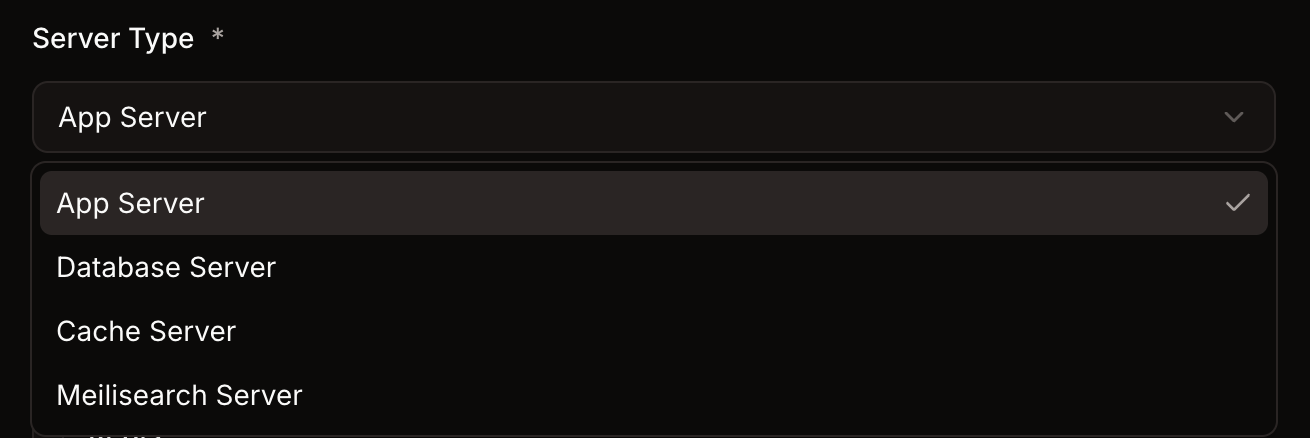
Pick the server type at this point, because it decides what gets installed:
- App Server — nginx, the language runtimes and the build tooling. The common case.
- Database Server — MySQL, PostgreSQL or ClickHouse, dedicated.
- Cache Server — Redis or Valkey.
- Meilisearch Server — Meilisearch, dedicated.
- Load Balancer — traffic across several App Servers.
You can mix them in one organization, and connect them over a private network where your provider offers one.
If the install fails, the Setup screen shows the step it stopped on and what to try next.
The first project
- Connect GitHub, GitLab or Bitbucket under source control.
- New Project, then repository, branch and domain.
- Depfloy detects the framework and fills in the build steps. For a Next.js project that is
npm cifollowed bynpm run build— you do not write those yourself, and adding them again just runs them twice. - Environment variables are written to the server before the build starts, so anything read at compile time is already in place.
- Work that has to happen on every release goes in the deploy script, and runs in the new release directory after the switch:
npx prisma migrate deployWhat a release looks like on disk
/home/depfloy/PROJECT_ID/
├── current/   → the release serving traffic right now
└── shared/    → .env and storage/, symlinked into every release
Each deploy builds into a new release directory beside the running one. The five most recent releases stay on disk, along with whatever current points at and any release a running process still has open — that is the runway rollback uses, and it is why rolling back a PHP project is a symlink flip rather than a rebuild.
If a build fails, nothing is ever linked. The previous release keeps serving while you read the log, and the deployment is recorded as failed rather than half-applied. The inverse is worth internalising too: a site that is up is not proof that the last deploy succeeded.
The mechanics differ between PHP and Node, and the difference matters when a release goes bad — how a zero-downtime Next.js deploy actually switches over walks through the Node path step by step.
Backups, monitoring and teammates
Three things worth knowing before you plan around them, because each sits behind a plan:
- Backups need Pro. Schedules, destinations, retention and restore. Sources are the six engines plus your project files; destinations include S3, R2, any S3-compatible endpoint, SFTP, FTP or the server’s own disk. See Backups.
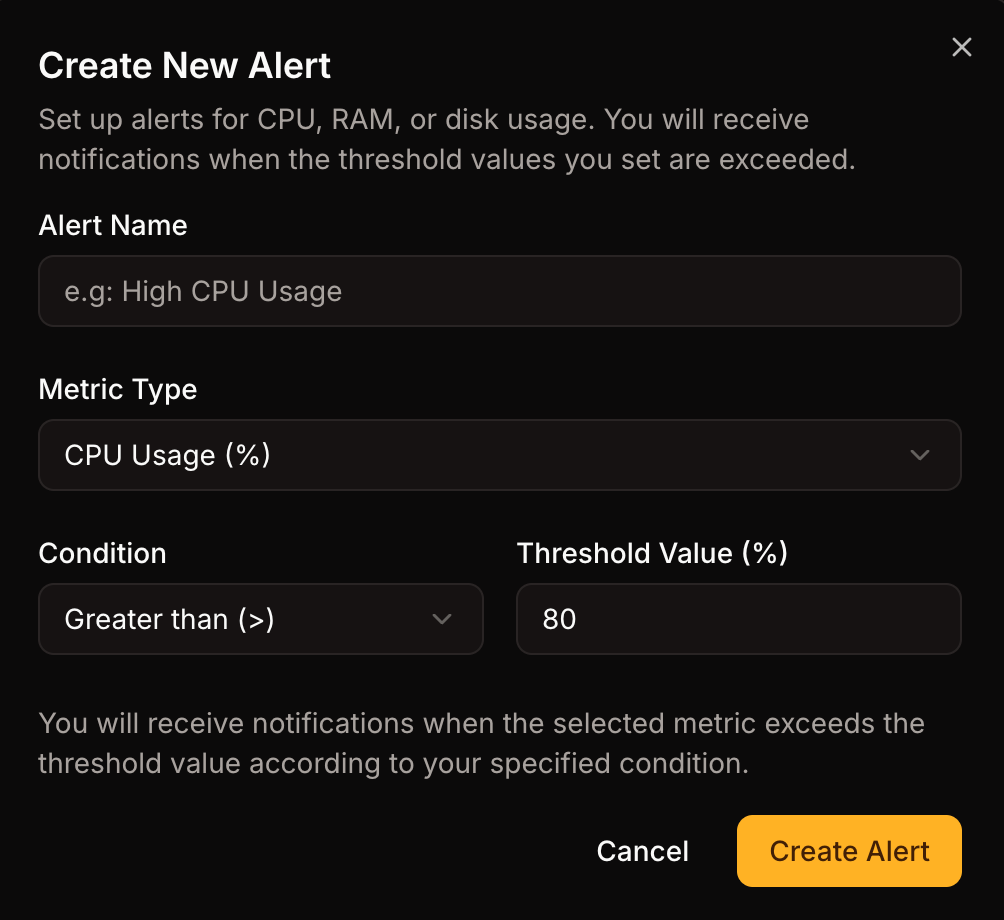
- Server monitoring needs Business. A small agent samples CPU, memory and disk every five minutes, and an alert fires when a threshold you set stays crossed for as long as you specify — so a spike does not page you. Notifications go by email, and to Slack once you connect it.
- Inviting teammates needs Business. The five roles exist on every plan; adding a second person to the organization is the part that does not.
Running several projects on one server
Deploys start as they arrive. There is no cap until you set one, on any plan — so ten projects pushed at once means ten builds starting at once, and on a 4 GB machine that is how a server runs out of memory mid-build.
If you would rather not find out, set a ceiling per server: the deploys past it queue and run in arrival order rather than being rejected. One rule holds whether or not you set a ceiling — two deploys of the same project never run in parallel, because both would write into the same release and flip the same symlink. Concurrent Deploys covers the sizing.
Where to go next
- Your framework’s page under /deploy — build steps, runtime, and the framework-specific parts
- Project Deployments for rollback, rerun, cancelling and the release layout
- Backups and Concurrent Deploys
- Pricing for the current plan table
Questions that are not answered anywhere on the site are worth sending to [email protected] — it is a small team and a wrong page is easier to fix than a wrong assumption.
Connect a server and deploy your first project.
Start your free 7-day trial