Build Queue Limits
If you deploy several projects on the same server, running their builds at the same time can blow past the server's RAM. Depfloy lets you cap how many builds run concurrently — extra deployments wait in a queue until a slot frees up.
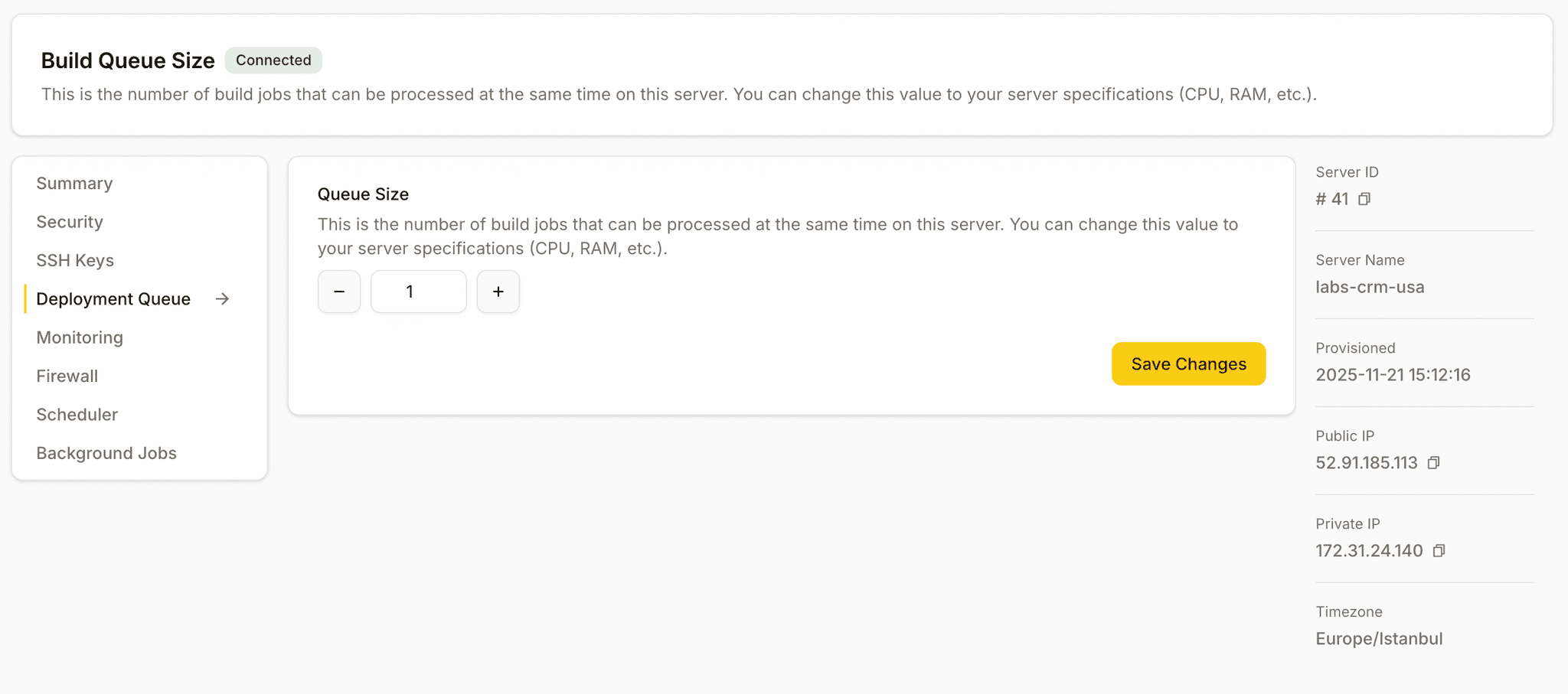
The Deployment Queue screen lives on a server's view in the Console.
Build queue limits require the Business plan.
When to use a build queue limit
You need it when you've seen, or you're worried about seeing:
- "Reached Heap Limit Allocation Failed" errors during a Next.js / Nuxt / React Router build
- The server freezing because two big builds tried to run at the same time
- Slow web responses to your live site every time deployments happen
The fix: tell Depfloy to deploy at most N projects concurrently on this server, and it'll queue the rest.
Setting the limit
- Open the server in the Console.
- Switch to the Deployment Queue screen.
- Set the maximum concurrent builds and save.
A reasonable starting rule of thumb: a Next.js / React Router build wants about 2 GB of RAM during install + build. So on a 4 GB server hosting several Node projects, set the limit to 1; on an 8 GB server set it to 2 or 3 depending on how heavy your projects are.
Watching the queue
The Deployment Queue screen also shows what's currently running and what's queued. If a deployment seems stuck behind something else, this is the page to check.
For history beyond the current queue, the global Deployments tab in the top bar is the place — see Deployments.