Maintenance Mode
When you need to take a project temporarily offline — to run a long database migration, swap a primary database, or coordinate a high-risk change — flip it into Maintenance Mode. Visitors see a holding page instead of your application until you turn it off.
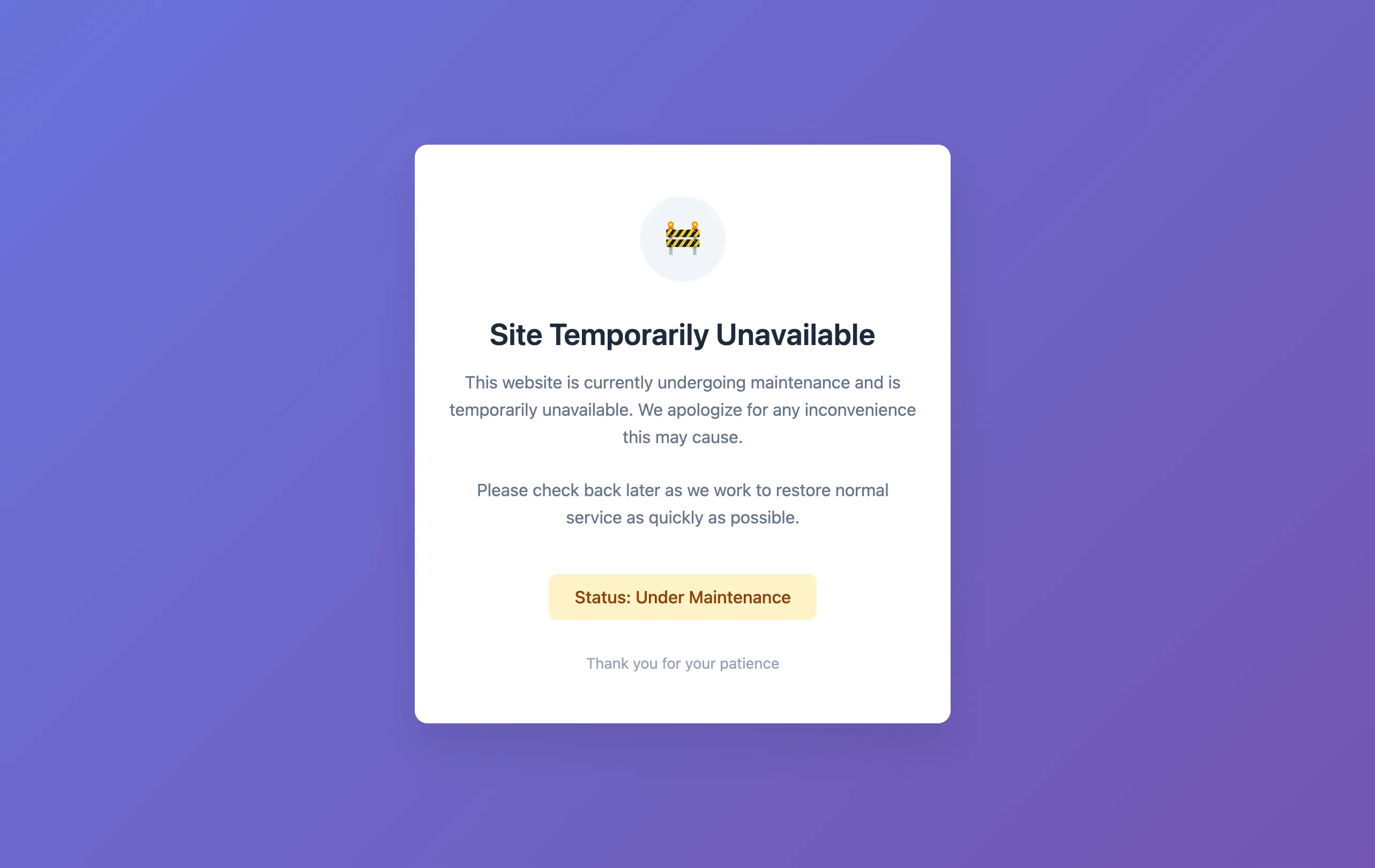
How to enable it #
Open the project in the Console and switch to the Settings tab. The Maintenance Mode card sits near the bottom of the tab, just before the Delete Project card. Flip the switch on the right of the card — the toggle takes effect instantly, and the maintenance page goes live within seconds.
Disable it the same way — flip the switch back off.
What visitors see #
By default, visitors see Depfloy’s built-in holding page: a polite “Site temporarily unavailable” message with no external dependencies. You can customise this account-wide under Configuration → Maintenance Template. Whatever HTML you set there is what visitors see across every project that’s in maintenance mode.
What the server answers #
Every URL on the project answers 503 Service Unavailable with Retry-After: 3600 while
maintenance is on, and the holding page is the body of that response. 503 is the code that
tells a search engine the outage is temporary — with a 200, the holding page is what it would
index as your content.
Check your monitoring before a maintenance window. Uptime checks, health probes and your own
scripts see the 503 and will treat the project as down, which is what a maintenance window
means but not always what a pager expects. Silencing the check for the duration is usually
enough.
The responses carry the same security headers as the rest of the site — X-Frame-Options,
X-XSS-Protection, X-Content-Type-Options, and Strict-Transport-Security when the project
has SSL — and the nginx version is no longer in them. For a project that is in maintenance right
now, turning it off and on again is enough to pick this up.
What you can’t do while maintenance is on #
While a project is in maintenance mode, the Nginx Configuration tab is read-only. The custom snippet area, SSL toggle, and configuration restore are all disabled until maintenance is turned off again. This is to make sure your nginx state stays in sync with Depfloy’s expectations — once you toggle maintenance off, your nginx returns to its previous configuration.
Deployments can still be triggered while maintenance is on, and they will continue to use the maintenance page until you turn maintenance off. This is the safe pattern: deploy your fixes, run any one-off commands you need, verify, then disable maintenance.
Who can enable maintenance mode #
The toggle is available to roles that can update the project — Owner, Admin, Manager, and Developer. See Members for the full role breakdown.