PHP Configuration
App Servers come with PHP installed and configured. The PHP screen on the server view lets you tweak the runtime to fit your application — adjust memory limits, upload sizes, and other php.ini values without ever opening an SSH session.
Common settings #
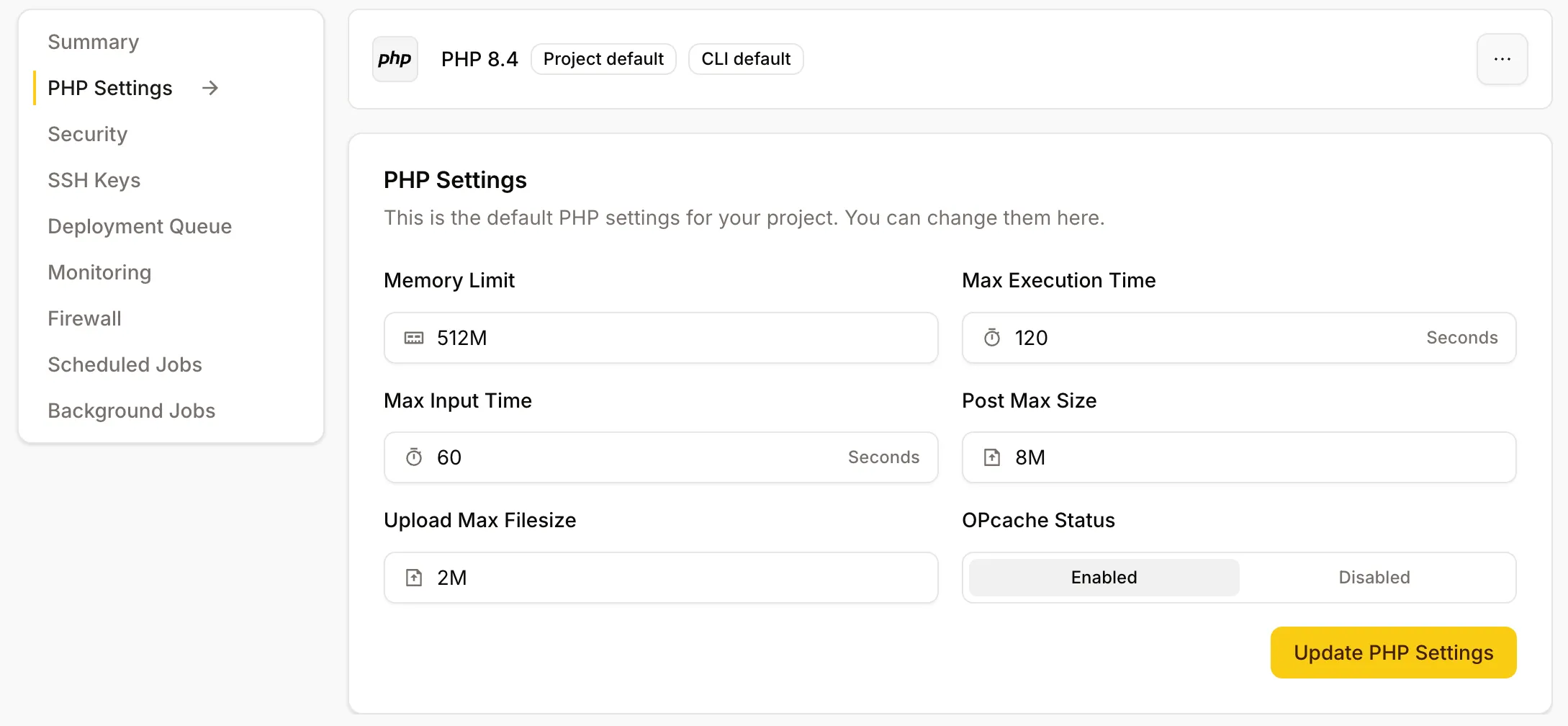
The most common settings can be edited as labelled fields:
- Memory limit —
memory_limit - Upload max filesize —
upload_max_filesize - Post max size —
post_max_size - Max execution time —
max_execution_time
Save changes and Depfloy applies them to both PHP-FPM (used by your applications) and PHP-CLI (used by artisan, composer, scheduled tasks).
Editing php.ini directly #
For settings that are not surfaced as fields, the editor at the bottom of the PHP screen lets you append or override raw php.ini directives. Anything you write here is layered on top of the defaults — be deliberate; PHP can break if you set values that conflict with what Depfloy installed.
After saving, Depfloy reloads PHP-FPM so changes take effect on the next request. CLI processes pick up changes on their next invocation.
Restarting PHP-FPM #
If a misconfiguration leaves PHP in a bad state, restart PHP-FPM from the More menu in the server header. As with any service restart, expect a brief interruption while the worker pool comes back up.